
How to edit photos on Android without uploading them
By Four K Computing ·
Short answer
Use an editor whose AI runs on the phone itself. To check an app, put your phone in airplane mode and try its AI tools: if they still work, your photos are being processed on the device. FourSnap is built this way - it has no internet access of its own, so your photos cannot be uploaded.
Step by step
- 1
Read the Data safety section
On the app's Google Play page, open Data safety. Look for whether photos are collected or shared, and whether data is encrypted in transit - a sign it is being sent.
- 2
Read the privacy policy
Search it for "upload", "server", "cloud" and "process". An editor that processes photos on its servers has to say so.
- 3
Try airplane mode
Turn on airplane mode and use the app's AI tools - background removal, object eraser, enhance. If they still work, they run on your phone.
- 4
Check for an account
If the app needs you to sign in before you can edit, your work is likely tied to an online account.
- 5
Save locally
Export to your phone's gallery or files rather than an in-app cloud library.
Why it matters
Photos carry more than the picture: faces, children, your home, documents in the background, and often the location they were taken. Once a photo is uploaded, you depend on the company's storage, staff access, retention rules and security.
Cloud processing is not wrong - it lets small phones run big models - but you should know when it happens and choose it on purpose.
How FourSnap keeps photos on your phone
- Every AI feature - AI Eraser, Select subject, Background, Face retouch, Auto enhance and Upscale - runs on the phone.
- The app has no internet access of its own, and no analytics, ads, tracking or account system.
- Optional AI models are downloaded once through Google Play; your photos are not part of that download.
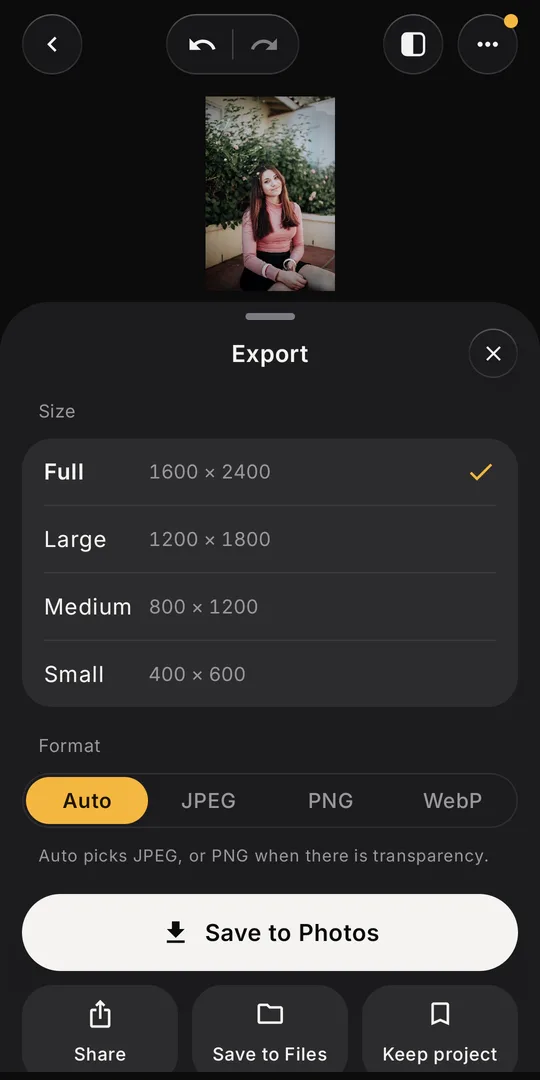
- You export at full resolution straight to Photos or Files.
On-device vs. cloud editing at a glance
| On-device AI | Cloud AI | |
|---|---|---|
| Where photos go | Stay on your phone | Sent to the company's servers |
| Works offline | Yes | No |
| Speed | Depends on your phone | Depends on your connection |
| Account | Not needed | Often required |
Questions
Do AI photo editors upload my photos?
Many do, because their AI runs on servers. Others, like FourSnap, run the AI on your phone. Check the Data safety section on Google Play and try the app in airplane mode.
Does FourSnap work offline?
Yes. The app has no internet access of its own, so all of its editing and AI tools work in airplane mode.
Does FourSnap need an account?
No. There is no sign-in, and no ads or tracking.
FourSnap
The AI photo editor that runs on your phone.
AI Eraser, background remover, face retouch and filters. No uploads, no account. Coming soon to Google Play.
See FourSnap